Why Floaters Following Eye Fatigue From Coding Disrupt Focus
You know that moment when you’ve been staring at your screen for hours, knee-deep in code, and suddenly these weird, squiggly things start drifting across your vision? Yeah, those are called eye floaters — and trust me, they can be super distracting when you’re on a deadline. As a developer who’s lived through countless 12-hour coding marathons, I’ve seen my fair share of them. I used to think they were just a temporary blur, but it turns out they can signal a bit more than just screen strain. Let’s dig into what’s really going on when floaters follow eye fatigue from coding — because I wish someone had explained this to me years ago.
What Are Eye Floaters and Why Do They Show Up After Coding?
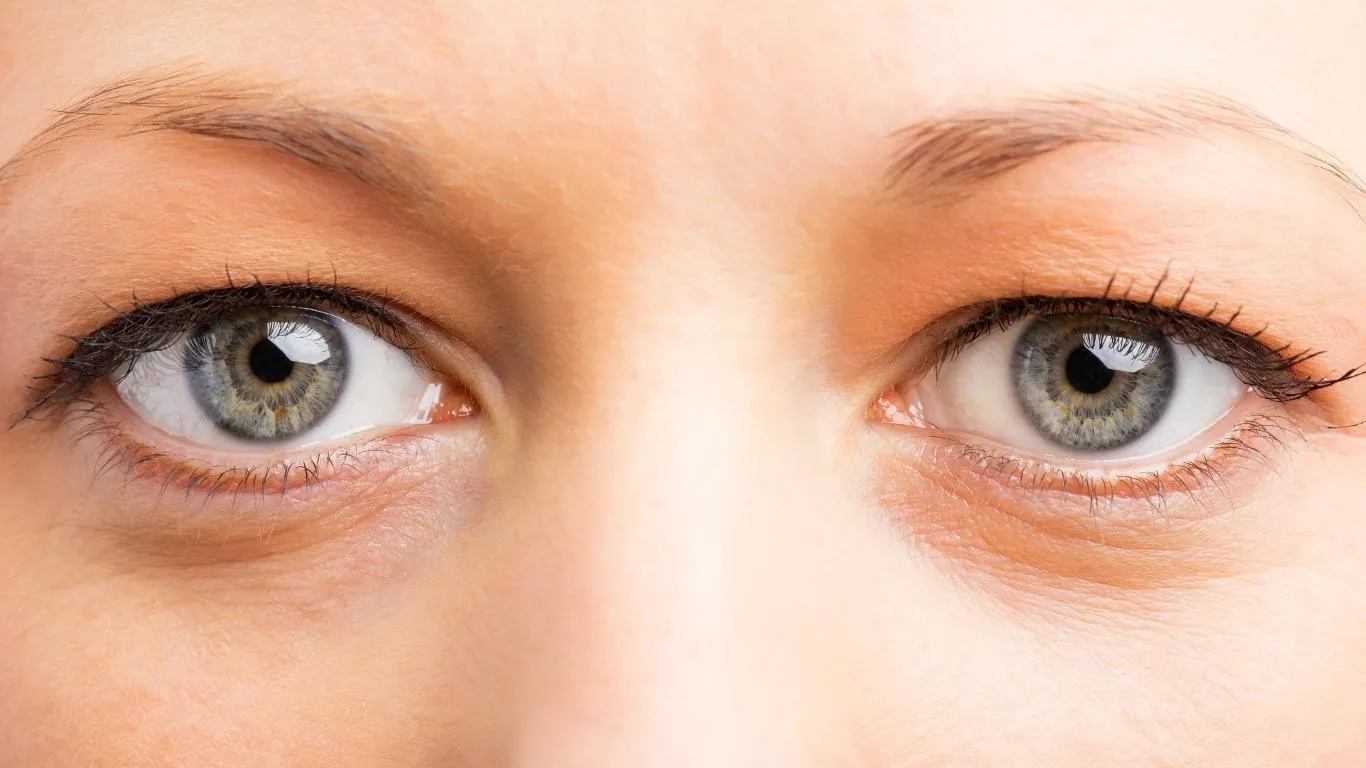
Eye floaters are those tiny cobwebs, spots, or thread-like shadows that seem to drift around your vision — especially when you look at a bright screen or plain background. They happen when the vitreous gel inside your eye starts to change in texture. After hours of coding, your eyes can get tired and dry, and your focus muscles might tighten up. This combination often makes floaters more noticeable.
While coding itself doesn’t cause floaters, the eye strain and fatigue that follow long periods of screen exposure can definitely make them more prominent. Coding involves prolonged near-focus, minimal blinking, and exposure to blue light — all of which contribute to visual fatigue.
Why Are They Worse After Coding?
When I first noticed floaters creeping in after my late-night sprints, I chalked it up to just needing sleep. But floaters becoming more visible after eye fatigue isn’t just coincidence. Here’s what happens:
- Reduced Blinking: While immersed in code, you blink less. This dries out your eyes, making floaters easier to see.
- Overworked Ciliary Muscles: These tiny muscles help your eyes focus. Hours of intense focus can lead to muscle tension, making floaters feel more obvious.
- Blue Light Exposure: Prolonged screen time increases oxidative stress on your eyes, potentially accelerating age-related vitreous changes.
There’s even research pointing to blue light’s impact on ocular tissues, though it’s still a developing area. Personally, switching to warmer screen tones and using coding fonts with better spacing helped reduce the frequency I noticed floaters.
When Should You Worry?
Occasional floaters during or after long coding sessions aren’t usually a cause for concern. But if you notice a sudden burst of floaters, flashes of light, or any peripheral vision loss, it’s time to take it seriously. These could signal a retinal tear or detachment.
There’s a great breakdown on this topic here: Sudden Burst of Floaters Could Signal Serious Eye Issues. If anything feels off, don’t wait it out — get checked by an eye care professional ASAP.
Habits That Make Coding Floaters Worse
Over the years, I noticed patterns: floaters tended to show up more often after certain habits or conditions. Here are a few of the worst offenders if you’re in front of a screen all day:
- Not taking breaks: The 20-20-20 rule (every 20 minutes, look at something 20 feet away for 20 seconds) isn’t just fluff — it works.
- Bad posture: Slouching affects blood flow and head position, which surprisingly can make floaters more noticeable.
- Dry environments: Coding in an air-conditioned room? Your eyes are likely drying out faster than you think. Dry eyes = more noticeable floaters.
There’s more on this in Floaters From Excessive Eye Rubbing Can Worsen Over Time — especially relevant if you catch yourself rubbing your eyes after a tough debugging session.
My Toolkit for Managing Coding-Related Floaters
I’ve tried a bunch of tweaks over the years to reduce how often I notice floaters while coding. Some didn’t help much. But a few made a big difference:
- Anti-reflective glasses: Especially ones with a blue-light filter. They cut glare and reduce fatigue over long hours.
- Natural breaks: I now code in 45-minute blocks with 10-minute walk breaks. It helps with more than just floaters, honestly.
- Eye hydration: Lubricating eye drops help keep your eyes moist. Especially crucial if you’re using multiple monitors or sitting near a fan.
- Ambient lighting: Overhead lights that match the screen’s brightness make floaters less obvious.
On bad floater days, I also keep this article bookmarked: Eye Floaters During Pregnancy. It’s not just about pregnancy — the info on hormonal shifts and floaters helped me understand how different internal factors can trigger them.
Is It Just Floaters — Or Something Else?
It’s easy to confuse floaters with other visual disturbances. I’ve had times where I wasn’t sure if I was seeing floaters, eye fatigue, or early signs of migraine aura. This guide was super helpful in making the distinction: Clear Signs You’re Mistaking Eye Floaters for Migraine Aura.
Also worth a read: Eye Floaters vs. Other Eye Problems. It helps you tell when it’s just visual clutter or something deeper.
Dig Deeper Into Eye Floaters
Want a broader understanding of what causes floaters and how they evolve? Check out this in-depth guide on Common Causes of Eye Floaters — it’s hands down the most helpful breakdown I’ve found on how floaters tie to aging, trauma, and even genetics.
And if you’re just starting to get a handle on all this, here’s the foundational explainer every developer should read: What Are Eye Floaters? Causes, Symptoms, and Treatment Options. Trust me, it’s way better than scrolling Reddit threads full of guesses.
How to Keep Floaters from Ruining Your Coding Flow

Here’s the honest truth: once floaters show up, they don’t always go away. But that doesn’t mean they have to mess with your workflow. For me, it was about learning to adapt — not ignore them, but work around them. And oddly enough, some floaters became less noticeable once I stopped stressing about them.
If you’re trying to keep your coding sessions productive without being distracted by little moving shadows in your vision, here are some actually useful strategies:
- Optimize your screen contrast and color: Coding with high-contrast themes (like Solarized Light) helped me reduce visual clutter. Avoid bright white backgrounds — they make floaters stand out the most.
- Limit coding at night when possible: Night sessions under artificial light made my floaters pop. Try coding during the day with indirect natural light.
- Position your monitor lower: Looking slightly downward puts less strain on your eyes — a trick I learned after reading this piece.
And yeah, I’ve tested all the “floaters go away with supplements” stuff. Some of it felt like snake oil, but I did find one helpful breakdown of what might work: Best Supplements for Floaters. Not all are created equal.
Natural Eye Habits That Make a Real Difference
Eye fatigue from coding is real, and it doesn’t just cause floaters — it worsens them. If you’re not ready to ditch the screen, the least you can do is build in some eye-saving habits. Here’s what worked for me after weeks of testing:
- Palming: Rub your hands together, place them gently over your eyes, and breathe. It’s weirdly calming — and gives your eyes a break.
- Conscious blinking: I installed a tiny tool that reminds me to blink. Sounds silly, but it helped me reduce eye dryness and the “dusty” floater effect.
- Daily outdoor focus drill: Every morning, I take five minutes to look at trees far off in the distance. Helps my eye muscles reset.
These might sound basic, but pairing them with regular hydration and minimal caffeine actually reduced how often I noticed my floaters. This guide really helped me frame my approach: Effective Ways to Find Stress-Induced Eye Floaters Relief.
What If You’re Seeing Floaters in Just One Eye?
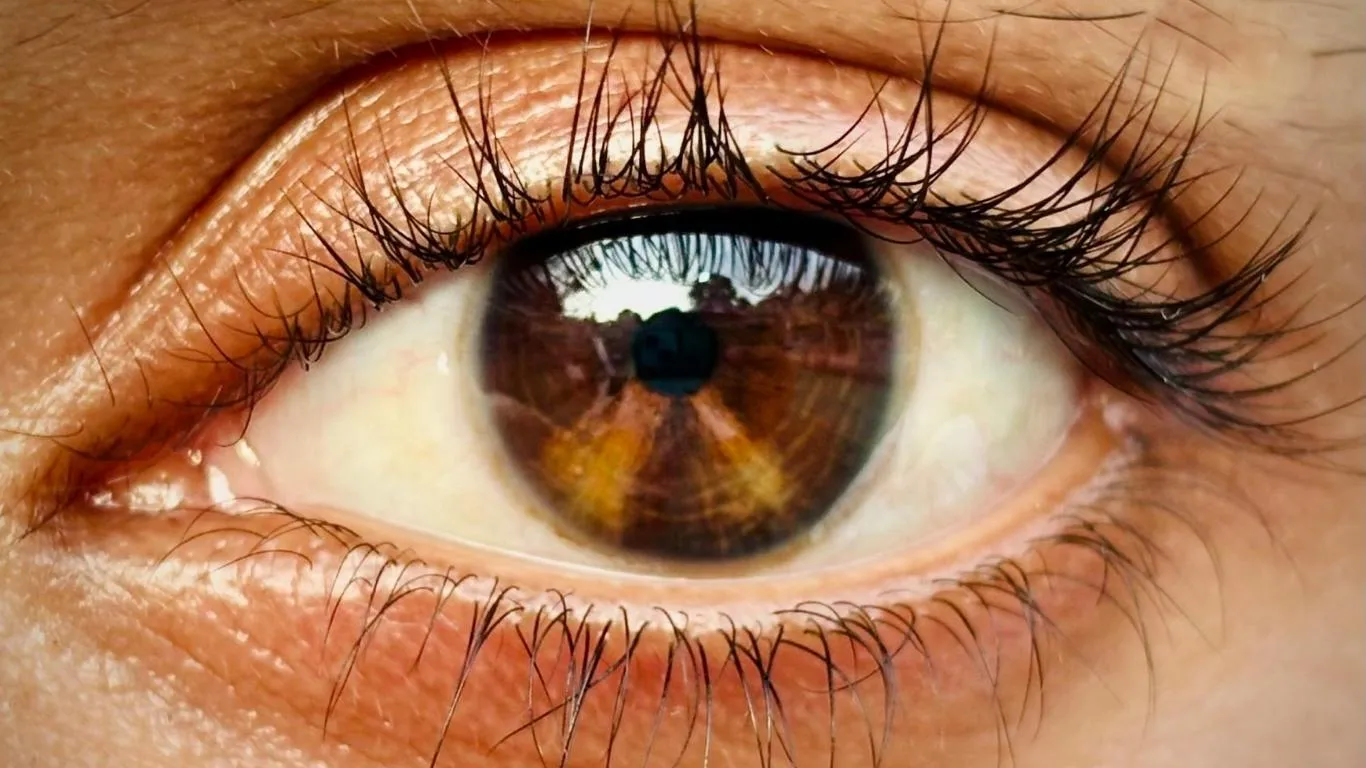
This one freaked me out. I started noticing floaters only in my right eye — the one I rely on most when coding on my laptop. Turns out, this is more common than you’d think. Your dominant eye might show symptoms earlier because it’s under more stress.
If floaters only show up in one eye and especially if they’re paired with light flashes or blurred zones, check this guide: Why Floaters in One Eye May Be Riskier.
Also, not all floaters behave the same. Some stay still, some move when you shift your gaze, and some only appear in certain lighting. A great resource that helped me figure out these types is Floaters That Follow Your Gaze.
Are Floaters Messing with Your Sleep or Mood?
Sounds dramatic, but yeah, eye floaters can mess with your head. I went through a stretch where the floaters were so persistent I couldn’t fall asleep — especially after coding in low light. You close your eyes, and they’re still there, floating around like ghosts.
I found out it’s more common than I thought. In fact, this article outlines how floaters can even affect mental health when they become chronic. The key? Recognizing the stress they create — and finding ways to stop obsessing over them.
- Lower screen time before bed
- Use warm-toned lighting after sunset
- Try eye yoga or guided meditation focused on the eyes
Once I made a rule: no screens after 10 PM — not even for “just one last Git push” — my sleep improved and floaters became less intrusive. Also, I stopped coding in total silence. Playing low-fi music helped me zone in, and weirdly, reduced how much attention I gave to floaters.
What to Do If They’re Not Going Away

Most coding-related floaters aren’t dangerous. But if they’re increasing or changing shape, or you’ve got other symptoms, get checked. Don’t self-diagnose with Reddit threads. I booked an eye exam after reading this breakdown and learned I had early vitreous detachment — not dangerous, but something to monitor.
Sometimes floaters after fatigue are just a warning your eyes are done for the day. But they can also be a sign of something bigger. If you’re unsure, I’d recommend giving this treatment guide a read — it covers everything from monitoring to surgery.
If you haven’t yet, the core explainer article here is essential: What Are Eye Floaters?. It covers the full spectrum of causes, not just screen-related ones.
Protecting Your Vision While Still Shipping Code
Look — coding isn’t going away. And neither is the strain it puts on our eyes. But floaters don’t have to be a daily distraction if you’re proactive. I’ve gone from seeing them constantly to barely noticing them, just by making a few smart tweaks to my routine.
The key is awareness: floaters after eye fatigue from coding are a signal. They’re not your enemy, but a reminder to take better care of your vision. If you’re noticing more floaters lately, it might be time to rethink your workspace, break habits that aren’t serving your eyes, and maybe — just maybe — code a little less after midnight.
To explore the deeper differences between floaters and other vision issues, check out this solid breakdown — super helpful if you’re unsure what you’re actually seeing.

Camellia Wulansari is a dedicated Medical Assistant at a local clinic and a passionate health writer at Healthusias.com. With years of hands-on experience in patient care and a deep interest in preventive medicine, she bridges the gap between clinical knowledge and accessible health information. Camellia specializes in writing about digestive health, chronic conditions like GERD and hypertension, respiratory issues, and autoimmune diseases, aiming to empower readers with practical, easy-to-understand insights. When she’s not assisting patients or writing, you’ll find her enjoying quiet mornings with coffee and a medical journal in hand—or jamming to her favorite metal band, Lamb of God.