Why Floaters After Intense Zoom Calls Disrupt Vision
So, there I was, squinting at yet another endless Zoom meeting—third one of the day—and as soon as I blinked and looked away, boom, those annoying little floaters dancing in my vision again. If you’ve ever walked away from a long virtual meeting feeling like your eyes just aged five years, you’re not alone. I’ve dealt with this more times than I can count. Floaters after intense Zoom video calls are becoming surprisingly common, and the connection isn’t just in our heads.
Why Zoom Fatigue Might Be Giving You Eye Floaters
The link between digital fatigue and floaters isn’t just anecdotal. It’s real. When we stare at screens for long periods—especially during high-focus video calls—we often blink less. That reduced blinking can lead to eye dryness, strain, and worsened eye floaters. I’ve personally noticed that the more I focus during long presentations, the more intense the floaters seem afterward.
What’s Happening Inside Your Eyes?
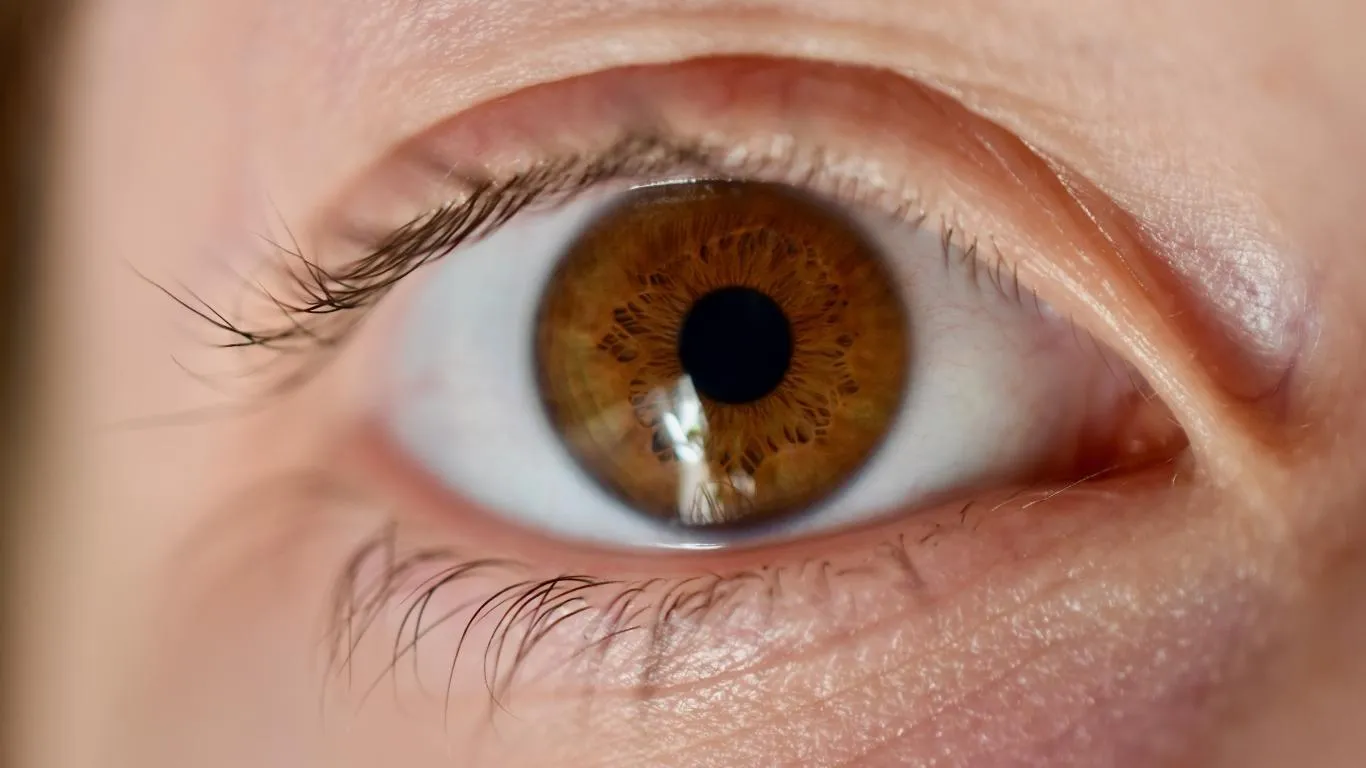
Floaters are essentially tiny clumps of protein or collagen that drift across the vitreous—the jelly-like substance inside your eyes. They’re common with aging, but they can become more noticeable when your eyes are tired or dry. During Zoom calls, your pupils tend to dilate less and the lighting is usually artificial, which adds to visual stress.
Prolonged Visual Focus & Mental Exhaustion
Zoom meetings aren’t just tiring mentally. They exhaust your visual system. Unlike reading a book or watching TV from a distance, Zoom meetings force your gaze into a fixed range for extended periods, triggering temporary visual disturbances like floaters becoming more prominent. That constant focus can mess with the way your brain filters out these floaters in real-time.
How Digital Eye Strain Triggers or Magnifies Floaters
Staring at a bright screen during back-to-back calls not only fatigues your mind but also your ocular muscles. When the eye’s natural lubrication depletes due to low blinking, the visual field becomes less stable. That’s when floaters become more visible. I started adjusting my camera angle just to avoid staring straight ahead so much—it helped a bit.
Factors That Can Make Floaters Worse After Zoom Calls
- Low ambient lighting: Makes floaters appear darker and more defined.
- Screen glare: Enhances contrast in your field of vision, exposing floaters more clearly.
- High contrast visuals: Presentation slides or documents with white backgrounds amplify floater shadows.
- Poor posture: Restricts blood flow and eye movement, increasing ocular fatigue.
Is There a Link Between Screen Time and Eye Aging?
It’s not just about discomfort. Over time, heavy screen usage might accelerate changes in the vitreous. Aging eyes naturally develop floaters, but digital stress could be making them appear earlier. There’s no definitive proof yet, but ophthalmologists are seeing more young adults reporting floaters, especially since remote work became the norm.
How I Reduced My Post-Zoom Floater Flare-Ups
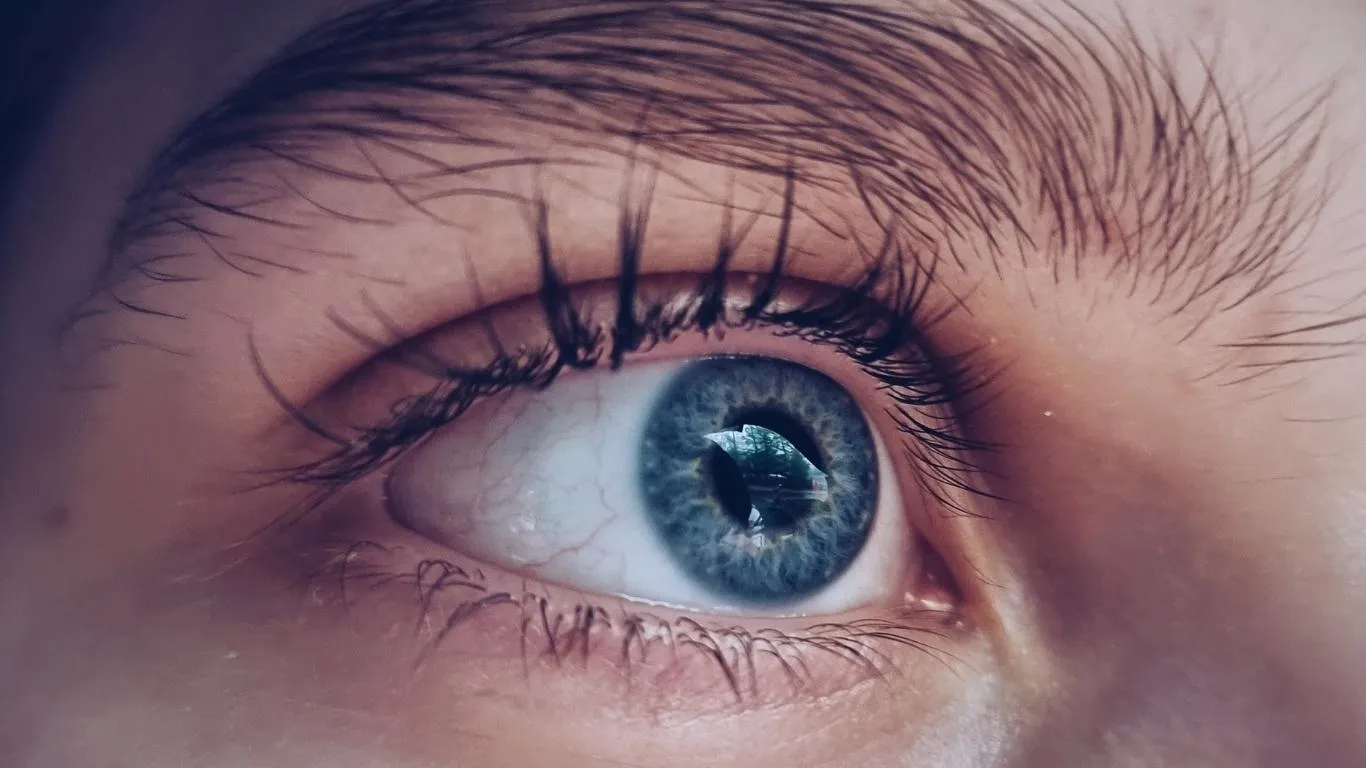
Over the past year, I’ve tested what feels like a hundred hacks to manage my floater episodes post-call. A few things that worked better than others:
- 20-20-20 Rule: Every 20 minutes, look at something 20 feet away for 20 seconds.
- Warm compresses: After meetings, placing a warm cloth over my eyes helped relax them and reduce tension-induced visibility.
- Anti-reflective lenses: These made a noticeable difference in reducing the contrast strain during calls.
- Natural light: Replacing overhead LEDs with daylight helped floaters fade into the background faster.
For those dealing with persistent or worsening floaters after Zoom marathons, it might not be just screen strain. Sometimes, it’s worth exploring deeper causes. This guide on eye floater causes breaks down the different triggers—beyond screen fatigue—that could be making yours worse.
When It Might Be More Than Just Zoom Fatigue
If you’re suddenly noticing a sharp increase in floaters—especially accompanied by flashes of light or peripheral shadowing—it’s time to stop blaming Zoom and call your eye doctor. In rare cases, floaters can signal serious conditions like a retinal tear.
Floaters, Hydration & Breaks: An Overlooked Link
Here’s something I wish someone told me earlier—dehydration messes with your eye health, big time. During long calls, I’d forget to drink water, and that dryness absolutely made floaters worse. Your vitreous is mostly water, and it loses clarity when dehydrated. Take hydration as seriously as your next quarterly presentation.
Curious about more ways to recognize when your floaters are worth worrying about? The article on when floaters become dangerous is a solid resource—bookmark it. And if you want the full breakdown of causes, symptoms, and treatments, here’s the main pillar guide that covers it all.
Simple Tools That Help During Video Calls
One of the easiest ways I reduced floater flares mid-meeting? Just repositioning my screen. I now keep my monitor slightly below eye level, which helps reduce how much of the overhead lighting hits my eyes directly. It may sound minor, but when you’re sitting through five calls a day, every tweak matters.
Other quick tools that helped me personally:
- Blue light filters: Either built into the screen or added via software like f.lux. These lowered eye strain during evening calls.
- Matte screen protectors: Especially useful in high-glare rooms to tone down brightness without sacrificing clarity.
- Ergonomic lighting setups: Indirect lamps with warmer tones create less contrast, making floaters less visible.
Use These Lighting Rules for Fewer Floater Episodes
Eye floaters thrive when the lighting contrast is high—think white background and direct LED light. My rule of thumb now? No more overhead lights during calls. Instead, I use soft side lighting. If I can’t change the room lighting, I switch to a virtual background that’s medium-toned—yes, even those cozy bookcases or blurred-out café scenes help my eyes more than you’d think.
Can Supplements Really Help with Floaters?
It’s a controversial space—do supplements really help floaters, or is it just expensive pee? That said, there’s anecdotal and some clinical support for certain vitamins and compounds. I personally tried a few, and while it wasn’t a miracle fix, I noticed fewer “floaters storms” over time.
Some nutrients with emerging support for eye clarity:
- Lutein and Zeaxanthin: These are found in leafy greens and known to support retinal health.
- Vitamin C: Thought to support collagen stability in the vitreous body. More on that here.
- Collagen-based supplements: Especially those targeted for eye and joint health.
- Omega-3 fatty acids: Found in fish oil, known to improve eye moisture and potentially reduce floaters visibility.
This article on the best floaters supplements offers a pretty solid starting list. Of course, always check with your doctor first—especially if you’re already taking medications or managing chronic conditions.
Foods That May Support Vitreous Clarity
If you’re not into supplements, foods rich in antioxidants and hydration can also help. I started mixing spinach, eggs, and bell peppers into my meals more often. Whether placebo or not, my floaters seem calmer when my diet’s clean. Here’s a great breakdown of the best diet changes for floaters.
The Mental Toll: You’re Not Just Imagining It
One thing that gets wildly overlooked is how emotionally draining floaters can be. I found myself getting anxious before meetings, worried I’d walk away seeing a storm of shadows again. It made me feel distracted, irritable, and honestly, a bit helpless.
You’re not imagining it. The persistent nature of floaters—especially when triggered by something as frequent as Zoom—can affect your mood, focus, and even sleep. Studies suggest there’s a correlation between vision discomfort and mental fatigue, and it’s clear why. I’ve even come across readers who experience full-on mental health dips due to floaters.
Here’s what helped me emotionally deal with the issue:
- Scheduled breaks: Not optional. These became sacred parts of my workday, even just 10 minutes outside.
- Switching to audio-only when possible: It gives your eyes a break without missing content.
- Talking about it: You’d be surprised how many colleagues said, “Wait… you see those too?”
When to See a Specialist
If your floaters came out of nowhere and got worse fast, especially after one heavy Zoom day, it might be more than fatigue. Sudden floater increases can signal issues like posterior vitreous detachment or even a retinal tear.
Warning signs to take seriously:
- Flashes of light in your peripheral vision
- Sudden shower of floaters that don’t fade with rest
- Dark curtain effect over part of your vision
In these cases, a quick eye exam—sometimes with dilation—is key. The good news? Most cases of floaters aren’t dangerous, just disruptive. But getting the all-clear gives peace of mind.
Daily Floater Management Rituals That Help

These are now my go-to floaters routines post-zoom:
- Hydration before and after every call — at least 250ml of water
- Eye rolling exercises before my first meeting (yes, literally rolling my eyes)
- Softening screen brightness manually—auto-brightness tends to overcompensate
- Wearing yellow-tint computer glasses during high-focus calls
- Ending the day with screen-free time—even 20 minutes helps
Still trying to separate your floaters from other visual problems? This guide comparing floaters vs other eye issues is worth a look. Many people mistake them for migraines, dust, or dry-eye streaks—and each needs different care.
And if you’re starting from zero and want to understand everything about causes, symptoms, and treatment pathways, don’t miss the definitive floaters guide. It’s where I began when this all got out of hand.

Camellia Wulansari is a dedicated Medical Assistant at a local clinic and a passionate health writer at Healthusias.com. With years of hands-on experience in patient care and a deep interest in preventive medicine, she bridges the gap between clinical knowledge and accessible health information. Camellia specializes in writing about digestive health, chronic conditions like GERD and hypertension, respiratory issues, and autoimmune diseases, aiming to empower readers with practical, easy-to-understand insights. When she’s not assisting patients or writing, you’ll find her enjoying quiet mornings with coffee and a medical journal in hand—or jamming to her favorite metal band, Lamb of God.