Why Floaters Get Worse When Reading White Text on Screens
Ever noticed those squiggly lines or translucent spots drifting across your vision, especially when you’re reading something on a bright screen with white text? You’re not imagining things. It’s one of the oddest but most frustrating visual quirks I’ve experienced—especially after spending hours reviewing documents on my laptop. It turns out, you’re not alone. For many people, floaters don’t just show up randomly; they seem to *really act up* when white text is involved. Weird, right? But there’s more to this than just screen strain.
Why Do Floaters Stand Out Against White Backgrounds?
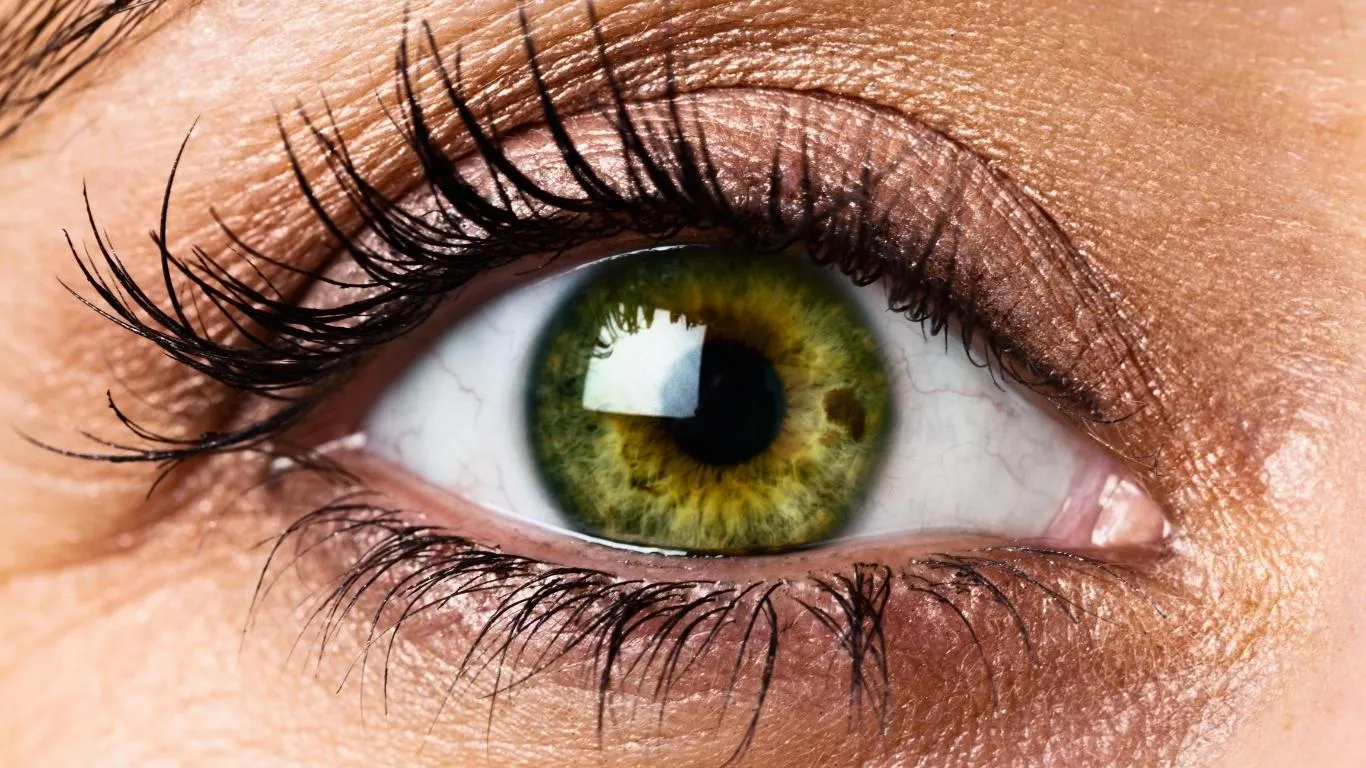
Floaters are essentially tiny clumps of collagen or cells floating inside the vitreous—the gel-like substance that fills your eye. When light enters, these floaters cast shadows on the retina, causing those little ghosts you see drifting across your line of vision.
Now here’s the kicker—white backgrounds, especially when backlit (like most digital screens), make it absurdly easy to notice these shadows. Why? Because the bright, high-contrast setting offers zero camouflage for floaters. Darker backgrounds can hide them better, but stark white? Total spotlight.
What Happens to Your Eyes When You Read White Text?
Our eyes aren’t designed for prolonged focus on glowing rectangles. Reading white text—especially on a dark background (think reverse contrast)—can crank up the strain big time. This phenomenon is even more noticeable for people already dealing with floaters.
- White glare creates high light sensitivity.
- Screen flicker, even if imperceptible, can make floaters dance more visibly.
- Constant focus on sharp text causes your vitreous to slightly shift, which is when floaters sneak into view.
Honestly, the worst for me is late-night reading in a dim room. I’ll be midway through an email and suddenly—bam!—floaters dart in and block half the sentence. At first, I thought it was just fatigue, but nope. The bright contrast really was amplifying what was already floating around in my eyeball soup.
Are Floaters Worse with Backlit Screens?
Absolutely. Backlit screens pump light directly into your pupils, which makes floaters more prominent. This is also why floaters are often more noticeable during daytime or while working near a window.
What About Dark Mode?
You’d think dark mode would help—and sometimes it does—but for many people (myself included), white text on a black background makes floaters pop even more. The stark contrast does more harm than good. One possible reason is that our pupils dilate in darker settings, letting in more light overall and enhancing the shadow effect of floaters.
If you’ve experienced this, you’re definitely not alone. Many others have described floaters becoming noticeable specifically during reading tasks or when switching to light-themed apps.
How to Read Without Losing Your Mind Over Floaters
Here’s what worked for me after months of trial and error—and a few panicked Google searches:
- Use low contrast themes: Off-white backgrounds with dark grey text work wonders.
- Take frequent breaks: Follow the 20-20-20 rule—every 20 minutes, look at something 20 feet away for 20 seconds.
- Increase ambient lighting: Reading in a well-lit room reduces contrast between screen and environment.
- Adjust lighting to reduce white glare.
- Enlarge your font: This reduces squinting and lets your eyes relax a bit.
Could There Be Underlying Issues Making Your Floaters Worse?
If your floaters seem to be growing in number, becoming darker, or you’re seeing them with light flashes or blurred vision, don’t just chalk it up to screens. These could be signs of something more serious—like retinal tears or inflammation.
According to American Academy of Ophthalmology, sudden increases in floaters warrant an immediate check-up. And based on personal experience? Don’t delay. I ignored new dark floaters thinking they were screen-related—and found out I had a posterior vitreous detachment starting. Not fun.
Some users also report worsened floaters during screen time after dehydration or emotional stress, which aligns with insights from this helpful guide on how hydration and floaters are connected.
Do Floaters From Screen Strain Disappear Over Time?

The answer is: kind of. Some floaters can fade or shift out of your central vision over time, especially if they settle in your eye’s lower regions. But for many of us, especially those staring at screens all day, floaters feel like clingy exes—they just keep coming back at the worst moments.
There’s also a growing body of anecdotal and clinical discussion around visual stress making floaters worse. You’ll find a lot more on this in our dedicated guide to how floaters can be confused with other vision problems, which helps rule out unrelated triggers.
If this topic hit home for you, there’s a deep dive into when floaters signal something serious—a resource that helped me when things started to escalate.
For a foundational understanding of eye floaters in general, their biology, and treatment paths, don’t miss this pillar article that breaks it all down. And if you’re curious how other visual conditions may mimic floaters or interact with them, I highly recommend this comparison article—super useful.
What You Can Actually Do to Reduce Floater Distraction When Reading
When floaters get in the way of reading—especially when it’s white text on a screen—it’s tempting to just power through it. I used to do that, and trust me, it’s not sustainable. Your eyes get tired, your focus drops, and honestly, the frustration builds up fast. Here’s what’s actually helped me and others get relief in a non-invasive, practical way.
1. Modify Your Screen Settings
This one’s a game-changer. It’s not just about turning down the brightness; it’s about creating a *calmer visual space*. Try:
- Dark grey text on soft beige background – lowers contrast, reducing floater visibility
- Enable True Tone or Night Shift – most devices offer this to reduce blue light glare
- Lower screen refresh rate if possible—it makes less “vibrational noise” for your eyes
If you’re like me and do tons of reading on Google Docs or PDFs, browser extensions like “Dark Reader” or “Just Read” can help reformat pages without overhauling the design manually.
2. Blink and Move
Sounds simple, right? But when we’re focused, we blink less. Less blinking = drier eyes = floaters feel more intense. Try this little trick: after reading 3–4 lines of text, look up for 5 seconds and blink a few times. Not a miracle cure, but it gives the eye fluid a chance to redistribute.
3. Avoid Eye Fatigue Hot Zones
Here’s the pattern I noticed: floaters became wildly more annoying when I worked under cool white LED lighting, with my screen brightness maxed out, and no ambient light in the room. That combo was a disaster. What helped?
- Switching to warm, indirect lighting (a desk lamp behind my monitor made a huge difference)
- Adjusting font sizes to avoid squinting
- Using anti-reflective screen filters
Can Vision Therapy Help with Floater Distraction?
While vision therapy won’t remove floaters, it *can* train your eyes to adapt and reduce fixation on them. Eye movement retraining, improved blink patterns, and focusing exercises can redirect visual attention away from the floaters.
There’s also promising insight from PubMed studies suggesting that people with high visual stress benefit from guided visual routines. Honestly, I was skeptical—until I tried a few simple exercises involving object tracking and saccades. It made more of a difference than I expected.
What I’ve Learned After a Year of Managing Floaters While Reading
This past year, I’ve tested almost every floater hack you can imagine—from herbal eye drops (spoiler: waste of time) to screen overlays, and even yoga eye exercises. The big takeaway?
- Reducing contrast fatigue is key. White text is the worst offender. Ditch it when possible.
- Stay hydrated. I can feel my floaters get worse when I’m dehydrated. Every time.
- Your mental state matters. Stress increases visual fixation. Calmer mind = less floater awareness.
If your floaters appear more frequently during specific activities—like reading in high contrast—take that seriously. You might be dealing with more than just benign floaters. Some early signs can mimic posterior vitreous detachment or retinal thinning. Definitely worth getting checked.
Should You See a Specialist?
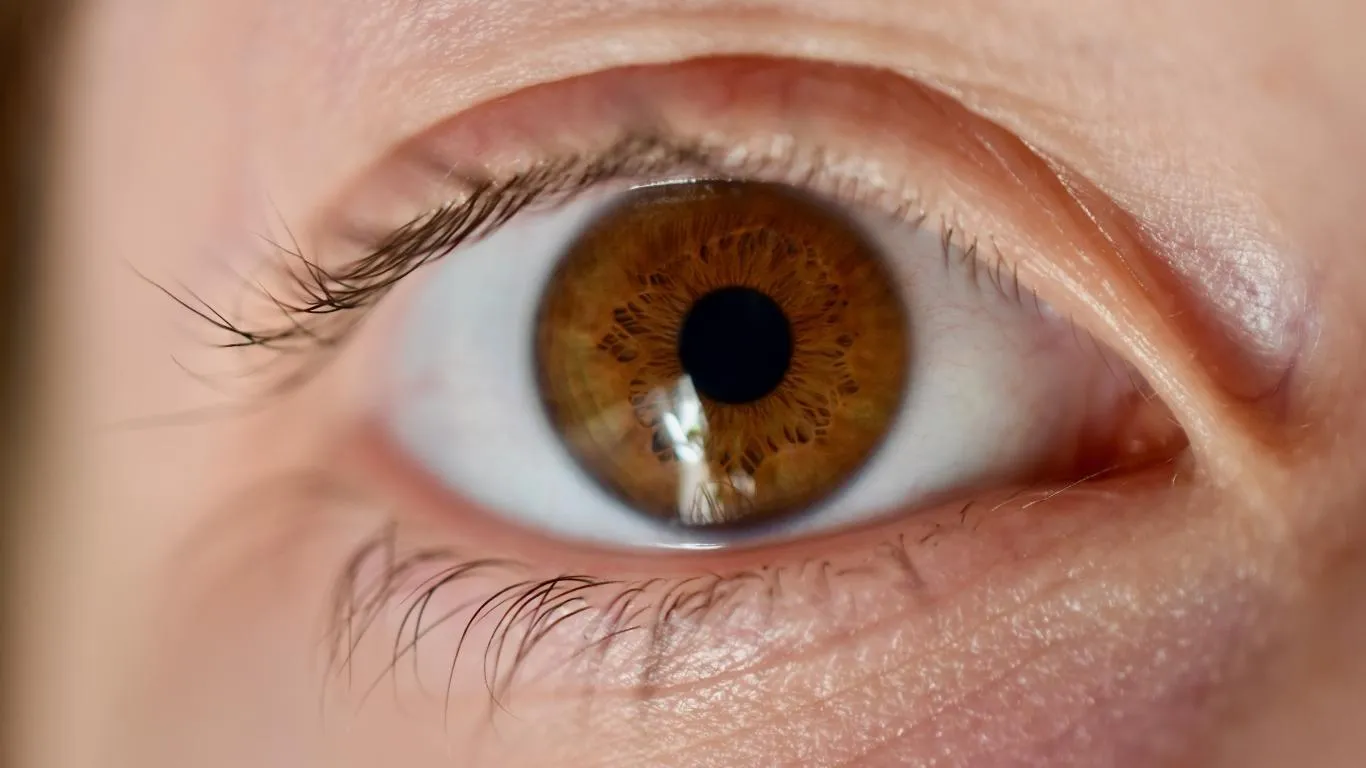
If you’ve made visual adjustments, reduced eye strain, and your floaters are still worse while reading—especially if you also notice flashes of light or a shadow in your peripheral vision—it’s time to call your eye doctor.
Floaters that change in shape, color, or intensity can signal something deeper. Based on my own experience, the sooner you rule out retinal issues, the better. You don’t want to wait until it becomes an emergency.
There’s also helpful guidance from this explainer on what early signs to look for before a retinal tear—one of the more serious conditions behind floaters.
What About Supplements or Natural Options?
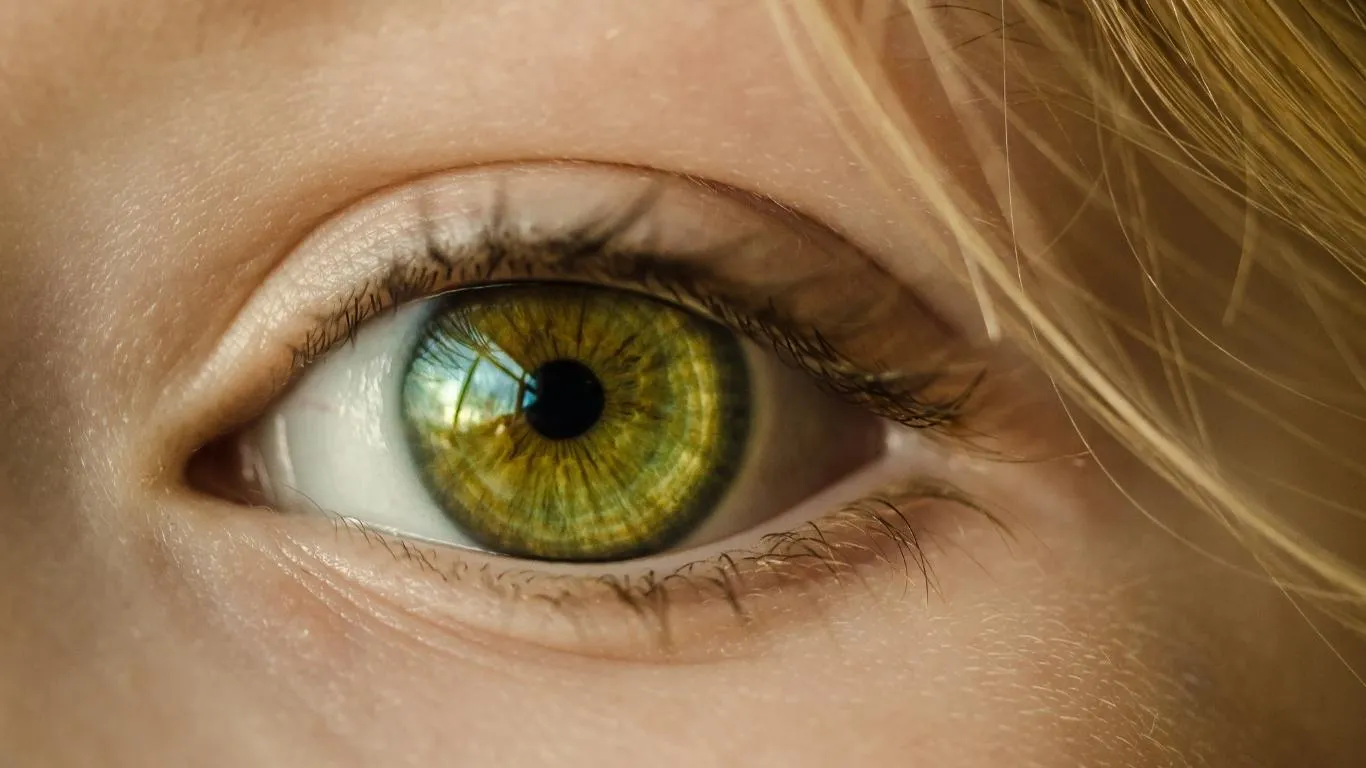
I’ll be honest—supplements aren’t miracle workers, but certain nutrients may help maintain your vitreous health. Some that have been shown to support clearer vision include:
- Lutein and Zeaxanthin – antioxidants that protect the retina
- Vitamin C – may support collagen health inside the eye
- Eye-specific collagen boosters
Keep expectations realistic. These work best as preventative tools, not as fixes for existing floaters. But if you’re dealing with floaters daily like I was, you’ll take any edge you can get.
Putting It All Together

Living with floaters—especially when they flare up while reading—doesn’t mean giving up your favorite books, articles, or even doomscrolling Reddit (guilty). With a few smart adjustments and a solid understanding of what’s happening in your eyes, you can read without constantly being reminded that your eye gel isn’t quite as clear as it used to be.
To learn more about floater treatments, from observation to surgical options, check out this guide that goes into all your options in plain English. And for a broader take on what causes floaters and what to do about them, the best place to start is the main floater overview.

Camellia Wulansari is a dedicated Medical Assistant at a local clinic and a passionate health writer at Healthusias.com. With years of hands-on experience in patient care and a deep interest in preventive medicine, she bridges the gap between clinical knowledge and accessible health information. Camellia specializes in writing about digestive health, chronic conditions like GERD and hypertension, respiratory issues, and autoimmune diseases, aiming to empower readers with practical, easy-to-understand insights. When she’s not assisting patients or writing, you’ll find her enjoying quiet mornings with coffee and a medical journal in hand—or jamming to her favorite metal band, Lamb of God.