
Smart Workplace Modifications That Protect Your Back Daily
If you’ve ever walked away from your desk feeling like your spine aged 20 years in a single workday, you’re not alone. I used to shrug off that nagging lower back twinge after long Zoom meetings—until it became a daily companion. That’s when I realized my “work-from-home setup” was silently wrecking my spine. The truth? Most of us don’t even realize our office or home workspaces are ergonomic disasters in disguise.
Why Ergonomic Safety Shouldn’t Be an Afterthought

We spend upwards of 8 hours a day glued to our workstations. But here’s what most companies overlook: bad ergonomics equals chronic pain. And it’s not just the usual suspects like low back pain—poor posture, repetitive motion, and awkward seating can snowball into migraines, neck strain, even sciatica. I learned that the hard way after ignoring the subtle stiffness in my shoulders for months.
According to OSHA, ergonomic interventions significantly reduce musculoskeletal disorders (MSDs) and boost productivity. Translation? Fixing your workspace isn’t just nice—it’s necessary.
Common Workspace Offenders
- Non-adjustable chairs without lumbar support
- Monitors placed too low or off-center
- Desks that don’t match the worker’s height
- Improper keyboard/mouse placement
- Lack of foot support or resting surfaces
And get this—poor posture doesn’t just mess with your back; it actually affects breathing, mood, and focus. It’s wild how much a slouched spine can drag down your whole day.
Smart Ergonomic Fixes You Can Start Today

I remember the first time I adjusted my monitor so the top aligned with my eye level—game changer. Here are a few simple but powerful fixes that don’t require a corporate budget or full renovation.
1. Elevate That Screen
Your monitor should be about an arm’s length away and directly in front of you. Too low? You’ll crane your neck. Too high? Same issue, just flipped. Use a stand, books, or get a monitor arm. And yes, dual monitors need to be equally adjusted or you’re inviting muscle imbalance.
2. Chair Check
Your office chair isn’t just a place to sit—it’s your posture throne. Make sure:
- Feet are flat on the ground (or on a footrest)
- Knees are level with or slightly below hips
- Your lower back has firm lumbar support
If you’re wondering whether your chair is helping or hurting, it probably needs an upgrade. Consider ergonomic chair options that actually work for back pain relief.
3. Rethink Desk Height
If your desk is too high, you’ll unconsciously hunch your shoulders. Too low, and you end up slouching forward. Adjustable desks (standing or sitting) are ideal, but if that’s not in the cards, adjust your chair and keyboard tray to align elbows at 90 degrees. Or check out how a standing desk might change your posture game.
Don’t Forget the Details

Sometimes the smallest tweaks make the biggest impact. I added a lumbar cushion and a soft footrest under my desk—it honestly felt like getting a new back.
Keyboard & Mouse Placement
Keep your elbows close, wrists straight, and shoulders relaxed. An ergonomic mouse and split keyboard might look weird at first, but your joints will thank you. Foot posture matters too—yes, even while you type.
Lighting, Breaks, and Movement
Harsh lighting = tension headaches. Dim lighting = squinting and slouching. Natural light and an adjustable lamp can help. But the real magic is in microbreaks. Set a timer. Walk, stretch, shake it out. I now do two-minute posture resets every hour—way better than dealing with recurring back pain.
Building an Ergonomic Culture at Work

When I brought up my ergonomic concerns with HR, I expected eye rolls. Instead, it kicked off a workplace-wide assessment that helped others too. The truth is, ergonomic safety isn’t just an individual responsibility—it’s a team effort.
Whether you’re a manager, remote worker, or part of a hybrid team, it’s worth championing ergonomic awareness. Not sure where to start? The occupation and travel guide on Healthusias has tons of smart, actionable advice tailored for your work environment.
For a deeper dive into managing and preventing chronic back pain through better posture, daily habits, and body awareness, explore the full guide on lifestyle, diet, and natural remedies. And don’t miss the complete main back pain resource hub for everything spine-health related.
Advanced Ergonomic Tweaks That Make a Huge Difference
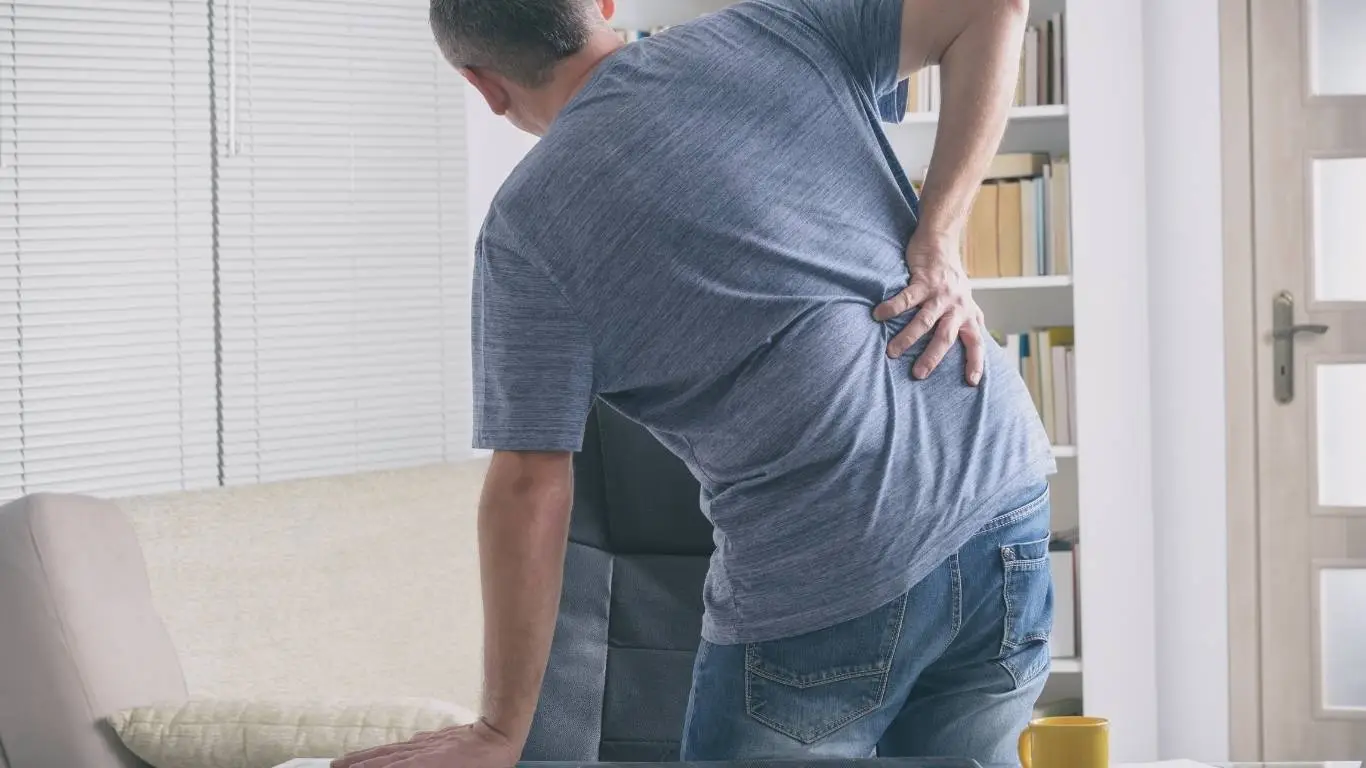
Once the basics are covered—chair, desk, monitor, posture—it’s time to level up. After I fixed my workstation height and posture, I still had occasional tension in my upper back and wrists. That’s when I started layering in advanced fixes that I honestly wish I had done sooner.
Try a Sit-Stand Rhythm
Standing desks are great, but standing *all* day isn’t the answer either. I now work in 30–40 minute sit/stand intervals using a simple timer. It not only helps my back but improves my mental clarity throughout the day. Consider standing desk strategies that promote dynamic movement, not just static standing.
Upgrade to Ergonomic Tools
- Split keyboards reduce ulnar deviation (that sideways wrist angle).
- Vertical mice support neutral wrist posture.
- Monitor arms help fine-tune screen distance and angle.
- Under-desk foot swings encourage blood flow in the legs.
I also tried a wobble stool for half-days—it took some getting used to, but it engages your core and forces better posture. Game. Changer.
Monitor Lighting and Sound Environment
Didn’t expect lighting to affect my back, but here we are. Glaring screens force me to lean and squint, which tightens my upper back. I use blue-light filters and adjustable blinds to minimize eye strain and muscle tension. White noise and soft music help reduce tension I didn’t even know I was holding.
Ergonomics at Home: Don’t Let the Couch Ruin You

I used to balance my laptop on my thighs while slouched on the couch. Trust me, you can’t “Netflix and spreadsheet” without consequences. Hybrid and remote workers need ergonomic setups just as much—if not more—than office folks.
Don’t Use the Bed as a Desk
I learned this the hard way. Pillows aren’t lumbar support, and your lap isn’t a desk. I now have a folding desk and a supportive chair that lives in my living room corner. Doesn’t take up much space but saves my back and shoulders daily.
Portable Ergonomic Gear
- Laptop stands with external keyboards
- Inflatable lumbar cushions
- Portable footrests
- Roller balls or massage pads for breaks
If you’re on the go, these compact upgrades make working from cafés, airports, or hotel rooms a lot less punishing. Check out these traveling tips for back pain sufferers to stay comfortable anywhere.
The Role of Movement: It’s Not Optional

No matter how dialed-in your setup is, you can’t sit perfectly all day and expect to feel great. Movement is the missing piece. My productivity soared when I scheduled intentional movement breaks. Not workouts—just tiny resets.
Mini-Movement Ideas
- Neck rolls every 20 minutes
- Desk yoga stretches (yes, it’s a thing)
- Stand during phone calls
- Walk for 2 minutes after each hour
- Use a foam roller before and after work hours
Adding in gentle yoga or simple back relief exercises mid-day can completely shift how your body feels by 5 PM.
Leadership and Company-Wide Ergonomics

Good ergonomics should never be an afterthought for employers. Back pain doesn’t just drain energy—it increases absenteeism, compensation claims, and turnover. When I worked with a company that invested in ergonomics training and equipment, team morale noticeably improved.
Strategies for Employers
- Offer virtual ergonomic assessments for remote employees
- Include ergonomic gear in employee wellness stipends
- Make movement breaks a visible part of the culture
- Incorporate education via monthly wellness newsletters or HR-led sessions
Workplace wellness programs that focus solely on gym reimbursements miss the mark. A strong in-office and remote ergonomic support structure is what truly keeps teams healthy and performing.
Addressing Persistent or Worsening Pain

If ergonomic changes haven’t helped or pain worsens, don’t tough it out. See a specialist. In my case, chronic tightness in my lower back turned out to be an early sign of lumbar radiculopathy. Early care saved me from needing more aggressive treatment.
From MRIs for back pain diagnosis to chiropractic adjustments and physical therapy, know that support is out there. Don’t ignore the signals your body is sending. Ever.
Redesigning Your Day for Long-Term Spine Health

It’s easy to treat ergonomics as a one-time fix, but it’s more of an evolving practice. I reassess my setup every quarter and make tiny changes based on what my body’s telling me. If you’ve been dealing with stiffness, fatigue, or recurring pain, take it as a sign—it’s time for a reset.
And if you’re still wondering where to begin, the conservative treatment guide for back pain is a great place to explore safe, effective ways to recover and maintain spinal wellness for the long haul. Pair that with the full back pain resource center for a holistic, well-rounded approach to back health—because your spine deserves it.

Camellia Wulansari is a dedicated Medical Assistant at a local clinic and a passionate health writer at Healthusias.com. With years of hands-on experience in patient care and a deep interest in preventive medicine, she bridges the gap between clinical knowledge and accessible health information. Camellia specializes in writing about digestive health, chronic conditions like GERD and hypertension, respiratory issues, and autoimmune diseases, aiming to empower readers with practical, easy-to-understand insights. When she’s not assisting patients or writing, you’ll find her enjoying quiet mornings with coffee and a medical journal in hand—or jamming to her favorite metal band, Lamb of God.